iOS App · TestFlight
REMOTE TV
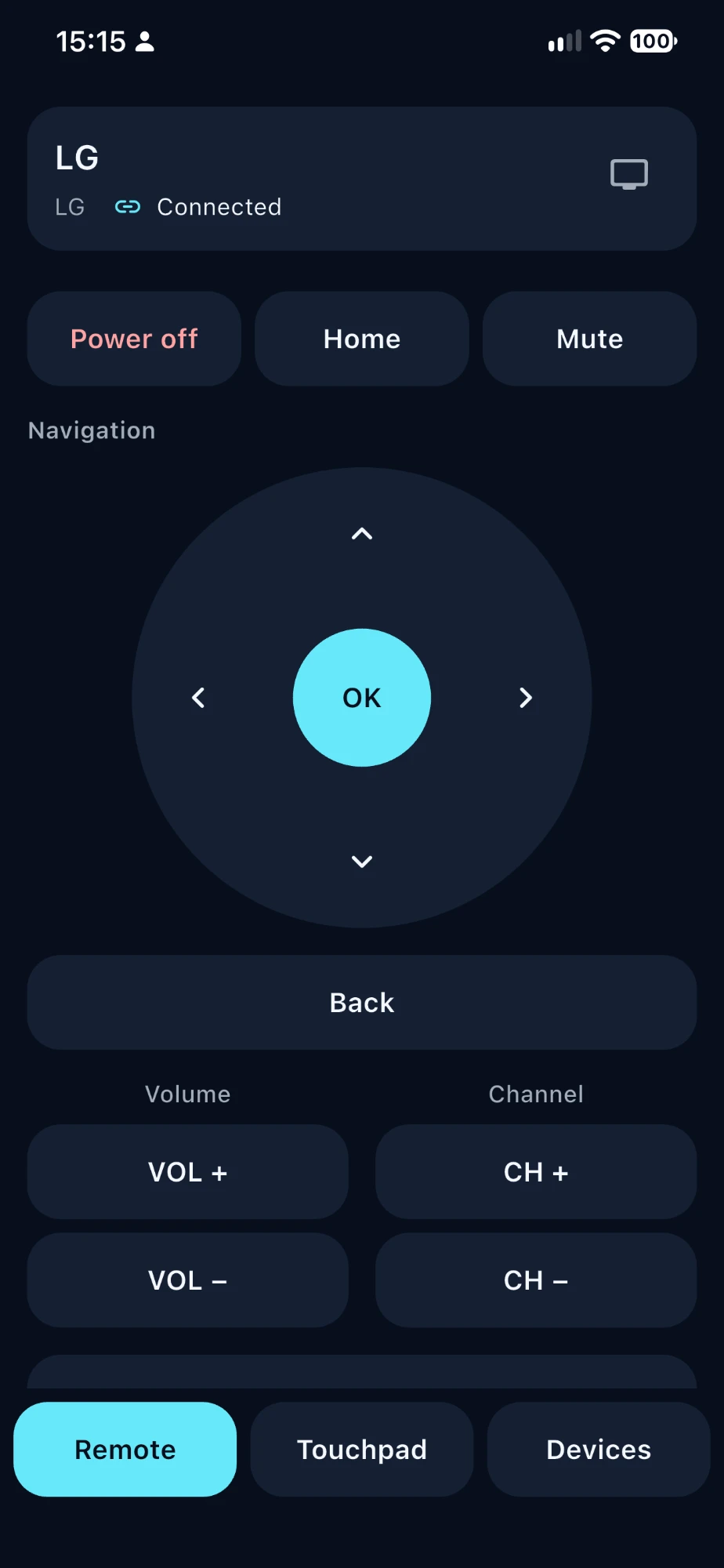
Your iPhone as the remote for the TV on your home Wi-Fi.
- Platform
- iPhone
- TVs
- Samsung Tizen · LG webOS
- Connection
- Home Wi-Fi, no cloud
- Privacy
- No accounts, no analytics
Talks to your TV directly.
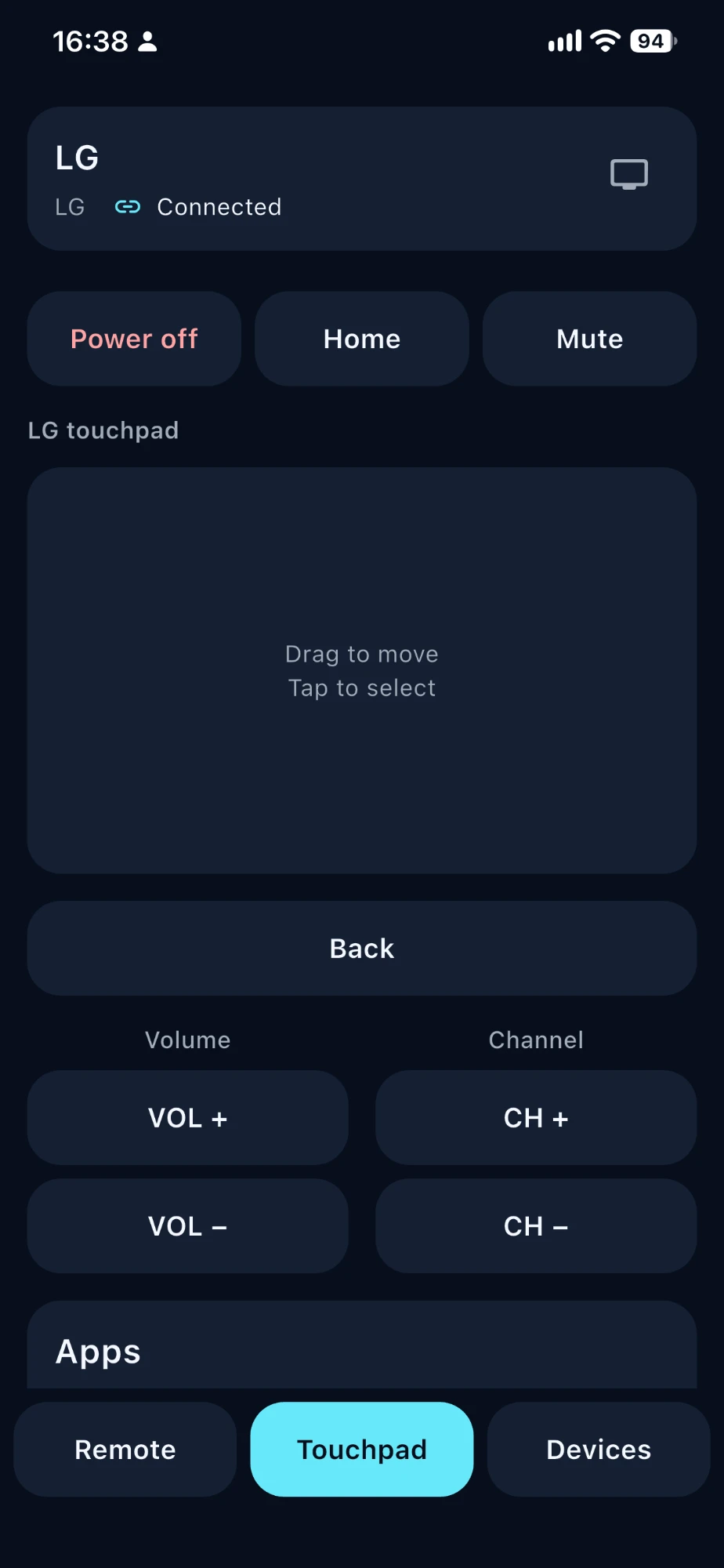
REMOTE TV finds TVs on your Wi-Fi and connects to them over your local network. No account, no cloud service, no ads.
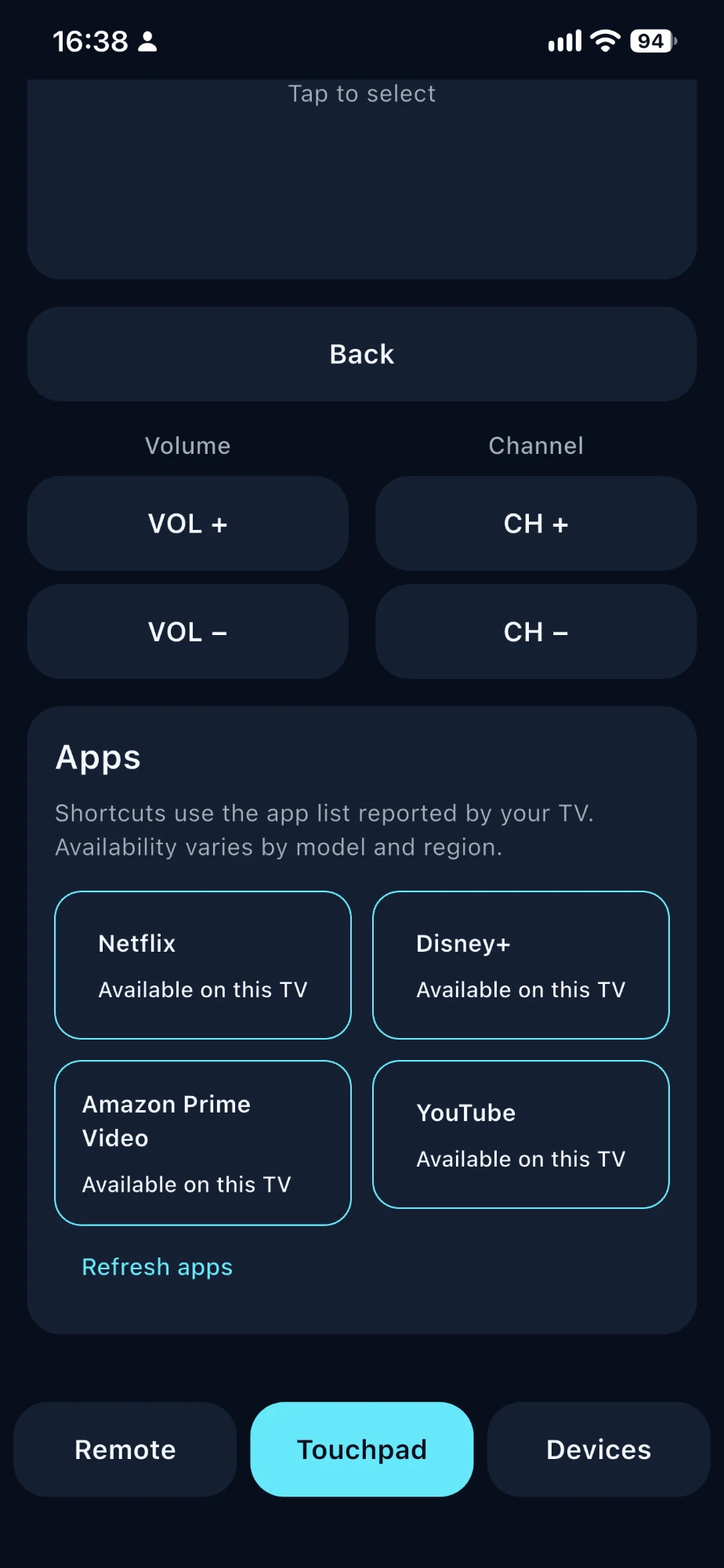
Samsung (Tizen) and LG (webOS) are supported. The app also offers options for other platforms, such as Android TV / Google TV and Roku; whether they work depends on the TV model and its software.
On your iPhone
TestFlight build
Private by design.
Saved TVs stay on your iPhone, and pairing keys are kept in the iOS Keychain. No analytics or tracking.
REMOTE Premium.
Optional subscription or one-time purchase through the App Store for extra features.